Strategy & Execution
You Have a Great Product. So Why Are Your Ads Not Selling It?
Read
AI creative tools for ads, product photos, logos, brand kits, mockups, scripts and storyboards, made from your brand and sized for every placement.
Ads and brand kits that don’t look homemade.
One creative, every platform ratio, and the text stays real text.
A whole visual identity, generated: logo, palette and type, shown on a billboard.
Real logo options on screen in minutes, from a brief you can actually write.
Drawn frames, not described ones, and they feed straight into the video tools.
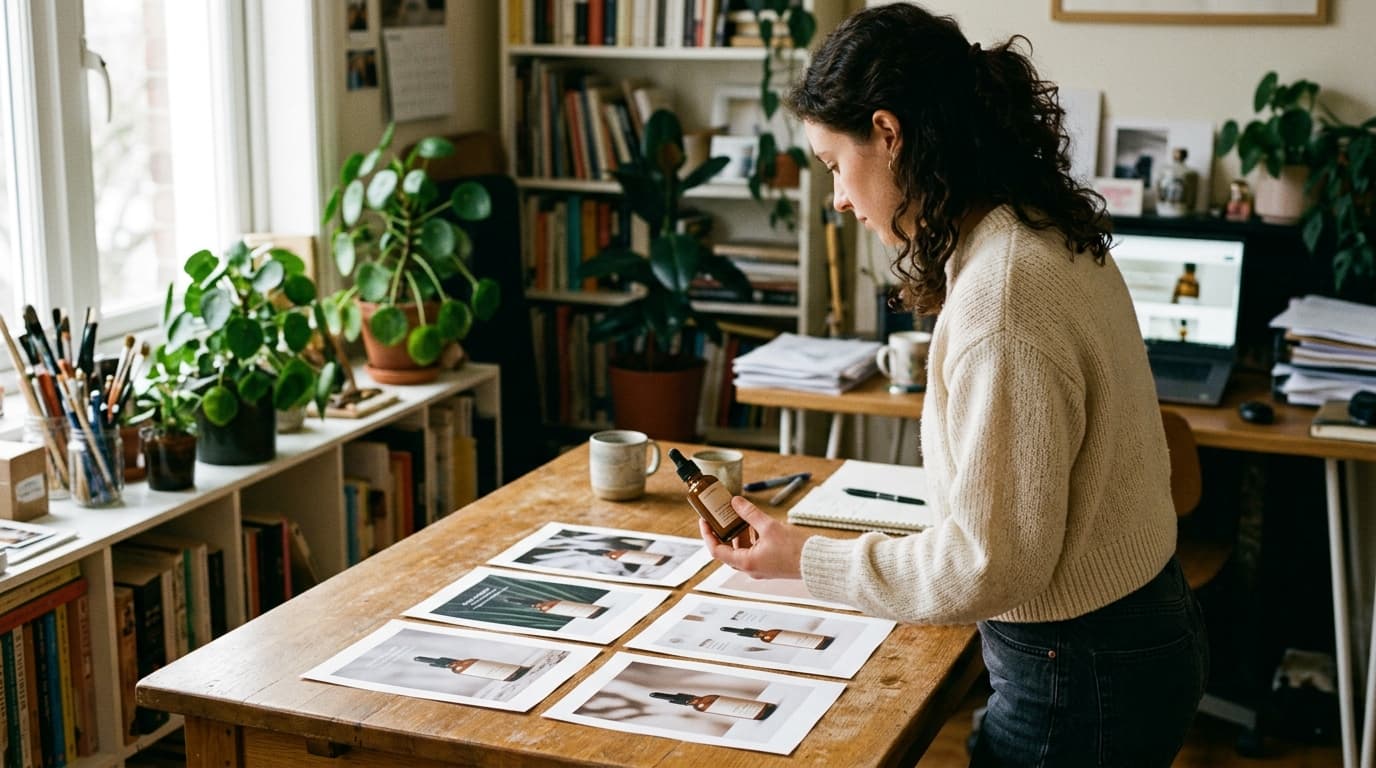
Finished, product-true photographs: planned like a shoot, delivered in minutes.
Your product and your message on a billboard, a magazine page, a shop window: photographed in place.
A shootable script, beat by beat: who speaks, what they say, what is on screen, what you hear.
A real design canvas in your browser: layers, type and AI backgrounds.
Screenshot an ad that works. Get the same structure, with your product in it, and three openings to test.
Rescue the only photo you have of the thing you need to sell.
One product, one customer. A whole system of ads: different ideas, three openings each, every size.
The Creative tools make the things a brand needs to look like a brand: a logo, a visual identity, product photos, mockups, ad creatives, storyboards and scripts. Every one of them works from something you already have (a product photo, an ad you admire, a brief you can write in two minutes) and gives you files you can use, not suggestions.
They also feed each other. Brand Kit Maker gives you the palette and type to hand to Layout and Impact Ads Creator. Photoshoot Studio and Mockup Creator produce the product images the ad tools build on. Storyboard Creator draws the frames the Video tools film. Start with the Brand Kit if you have nothing yet; start with Impact Ads Creator if you have a product photo and need an ad by tonight.
Image tools give you PNG or JPG files at usable sizes (Photoshoot Studio up to 2K; Image Upscaler up to 4× the original). Brand Kit Maker adds a brand bible. Storyboard Creator gives you a contact sheet plus each frame. Script Writer gives you a formatted script document.
Yes. Set up your brand in Brand Brain and the tools bring your logo, palette and fonts along: used for buttons, badges and the words on the picture. Layout lets you pick from a font list plus the fonts installed on your own machine.
Real text. Creative Size Adaptor and the ad editors keep headlines and captions as editable layers, so you can fix a typo or change a price without generating the picture again.
If you have no visual identity yet, Brand Kit Maker. If you have a product and need ads today, Impact Ads Creator. If you need more photos of your product, Photoshoot Studio. It plans a shoot and delivers the set.
Free for 2 days